 Hushlog
A little care.
Just for you.
Pelvic-floor training, a bladder diary and everyday logs, on your iPhone and Apple Watch.
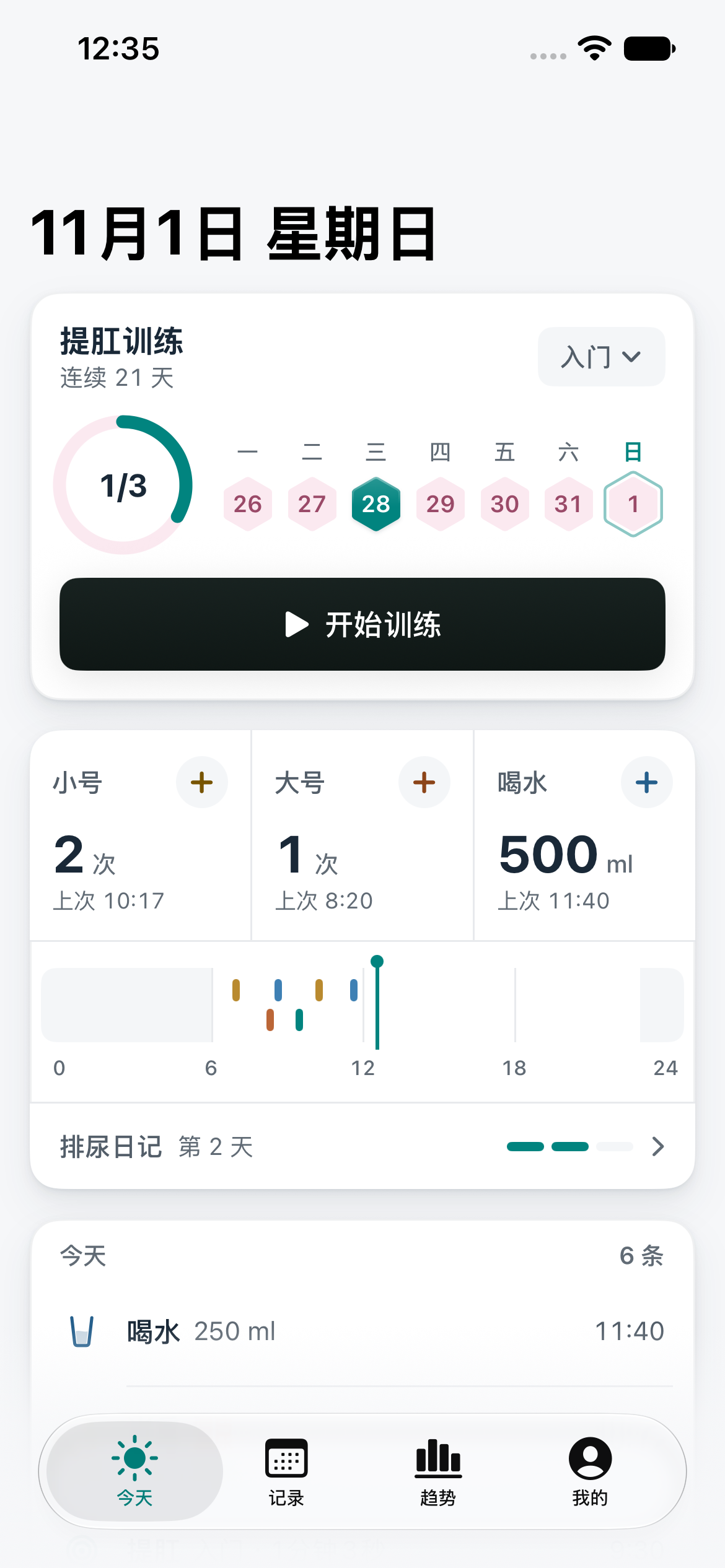
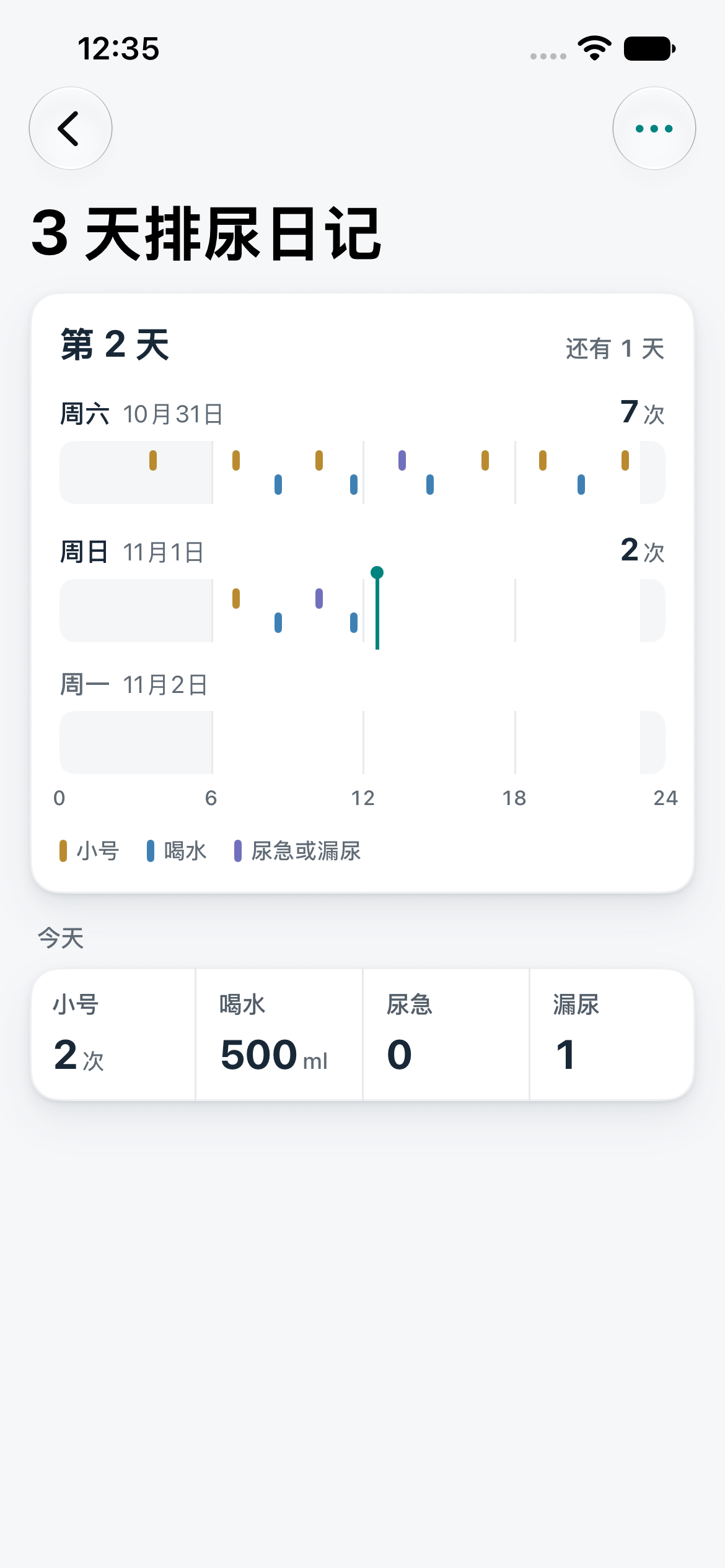
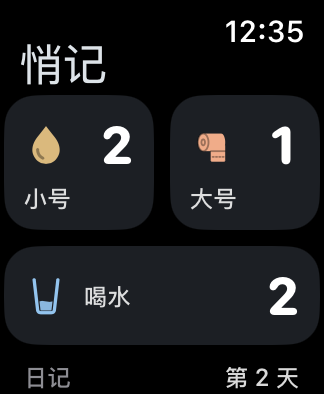
iPhone · Apple Watch / Screens use sample data. The released app may differ.
Made for your everyday
Small records.
A clearer picture.
A 3-day bladder diary brings separate entries together. With Pro, export a PDF for an appointment and choose who to share it with.
A quick tap on your wrist
Log bathroom visits and water on Apple Watch, without reaching for your phone.
Follow the gentle rhythm
Haptic cues guide contraction and relaxation, so you do not need to watch the screen.
A backup you control
Export a password-encrypted backup and choose where to keep it.
Your records.
Yours to keep.
No account and no advertising trackers. Everyday app records stay on your devices. You choose what to export or share.
Read the privacy policyGood to know
How does the 3-day bladder diary work?
Go to Me → Doctor Report and open the 3-day bladder diary. Start today or tomorrow. It summarizes the selected three days without changing the underlying records. Creating a shareable or printable PDF requires Pro.
What should I do before changing phones or reinstalling?
Save a password-encrypted backup under Me → Data and keep the password secure. Restore it on the new device. Apple device transfer or an encrypted system backup is another option. CSV and PDF are for viewing and sharing, not a full restore backup.
How do I restore Pro on another device?
Use the Apple Account that made the purchase and tap Restore on the purchase page. If it is not found, check the account and network before contacting support.
Soon, close at hand.
For iPhone and Apple Watch. A little easier, every day.
Read the full guide Coming soon to the App Store